
Globals
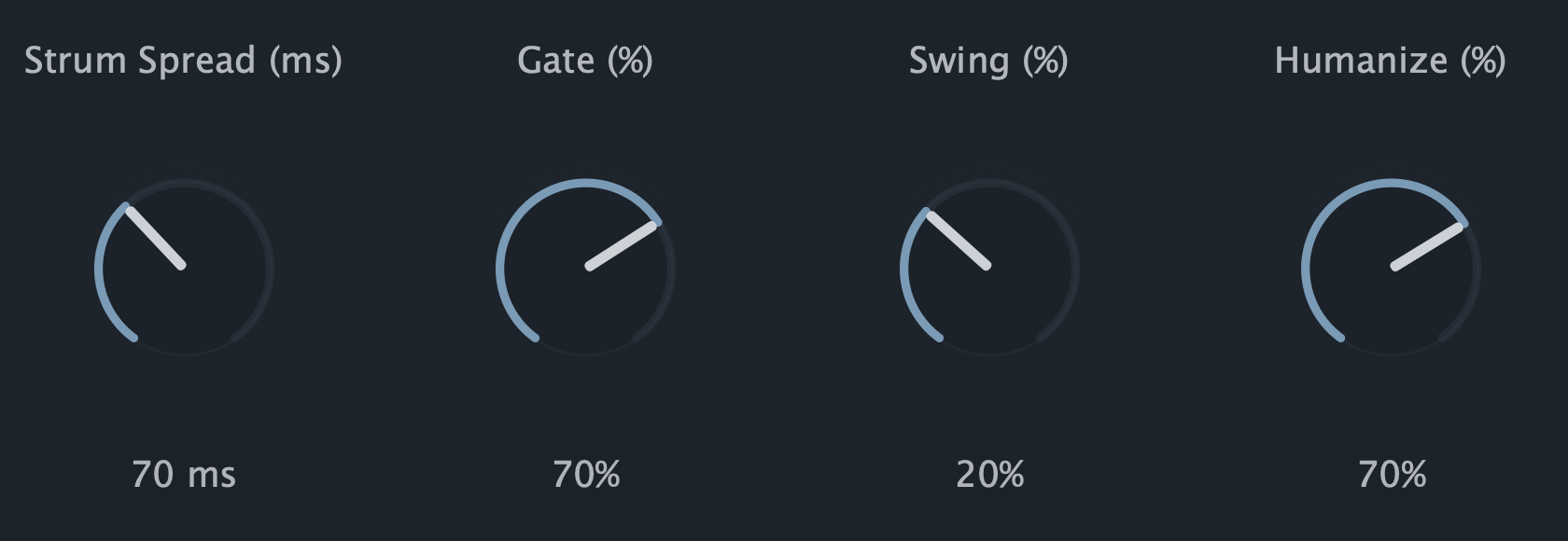
Set how StepStrum listens and responds overall, including how chords are detected and how patterns restart or latch while you play.
Pro adds velocity, gate, and trigger probability lanes to the core StepStrum sequencer, so each step in a pattern can carry its own feel.
Pro is a paid upgrade. Lite is free and available now.
A quick tour through the controls in the order they appear in the plugin.
Set how StepStrum listens and responds overall, including how chords are detected and how patterns restart or latch while you play.
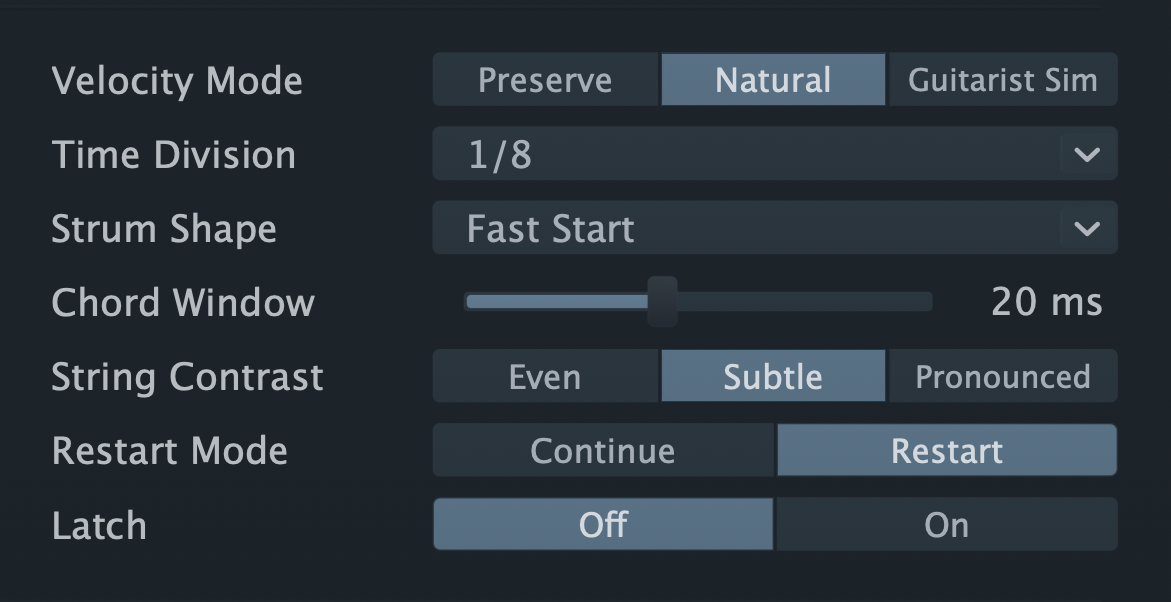
Shape the overall groove with timing, swing, humanize, gate, velocity behavior, and rhythmic division controls.
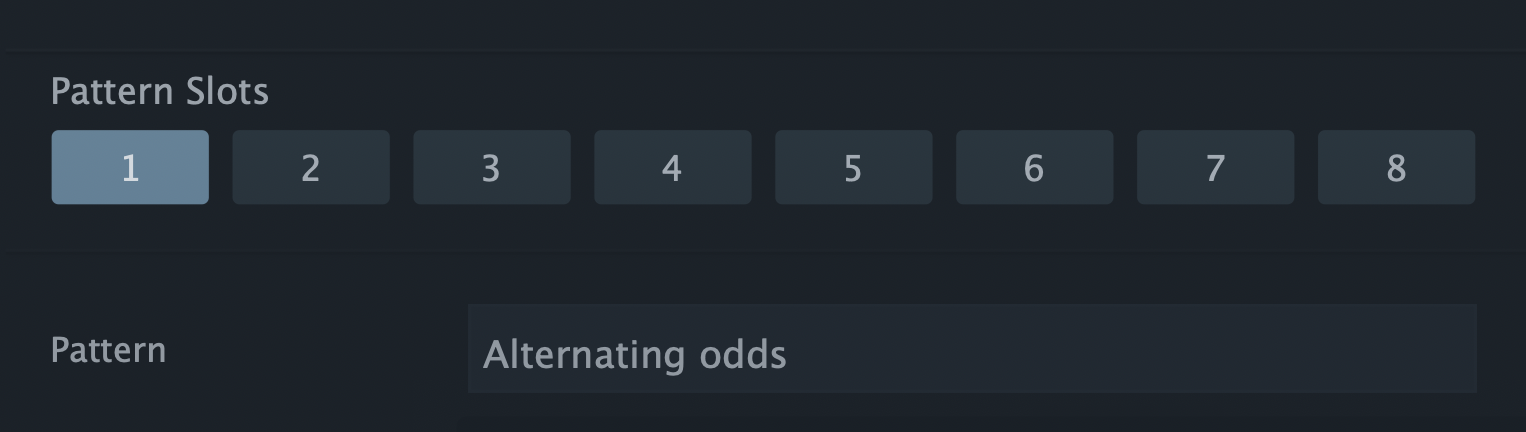
Keep multiple rhythm ideas ready in one place, then switch between variations as the part develops.
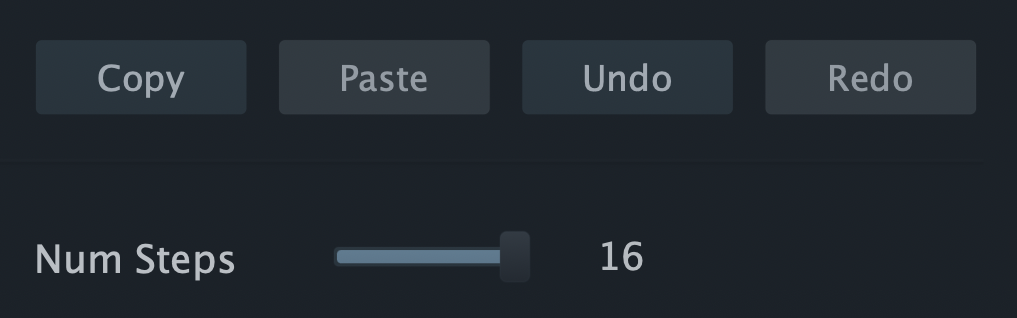
Duplicate useful pattern ideas and change the active pattern length without rebuilding the part from scratch.
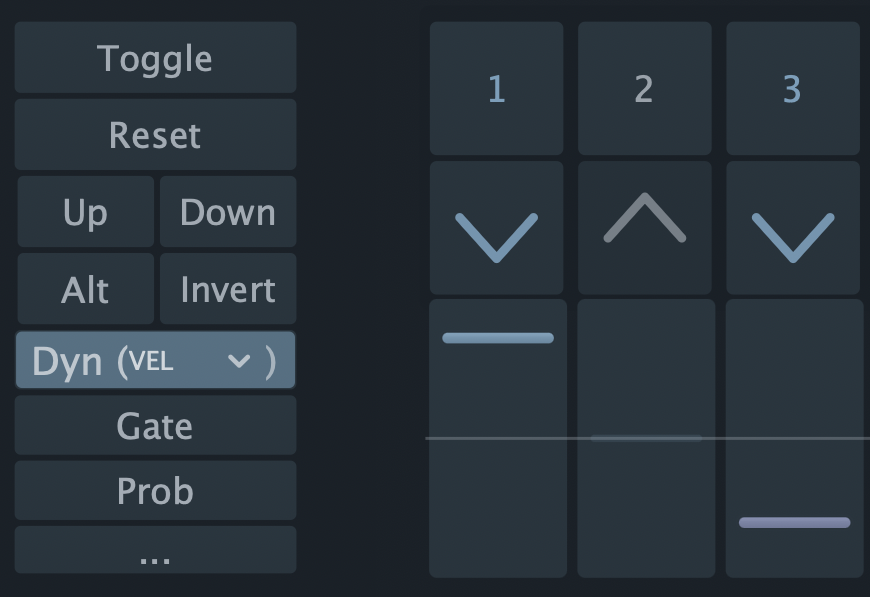
Choose the control layer you want to edit: rhythm activation, strum direction, velocity, gate, or trigger probability.
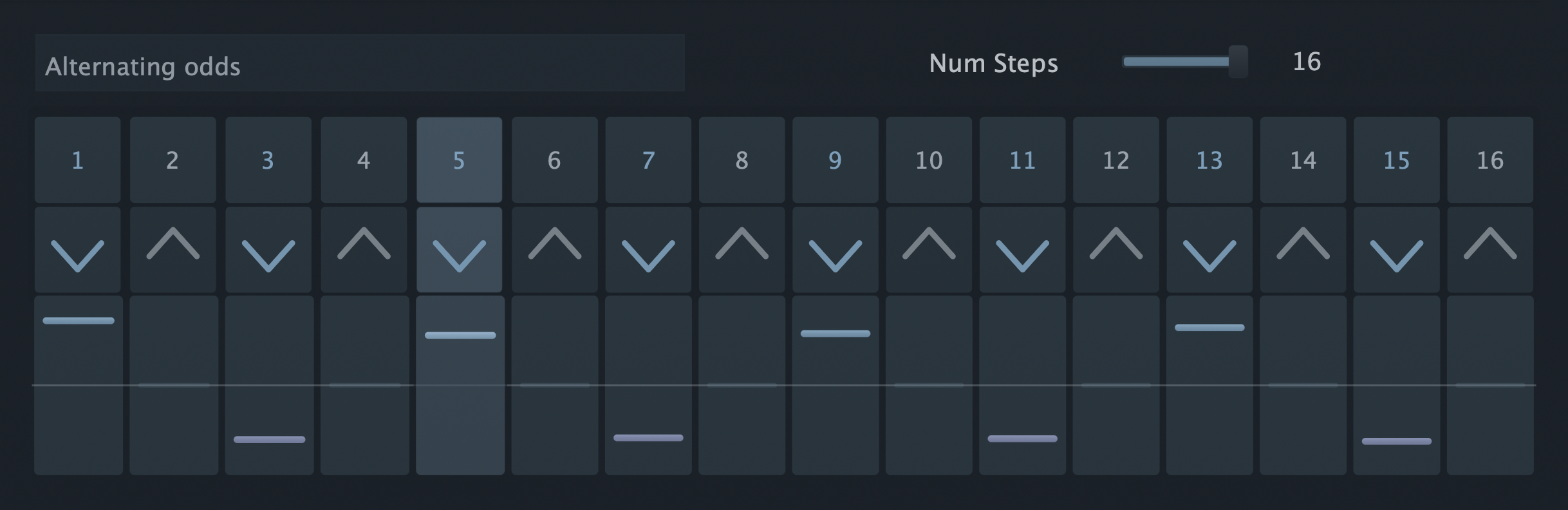
Build the pattern step by step: activation buttons decide where strums happen, and direction buttons set the strum motion for each step.
Four capabilities that go beyond StepStrum Lite.
Buy StepStrum Pro for the full MIDI strumming performance and pattern-editing feature set.